Wynk Music has become one of the most popular music-streaming platforms for users who want unlimited songs, easy streaming, and high-quality audio. Whether you love Bollywood hits, English pop, regional songs, or trending playlists, Wynk Music covers everything in one place. In this complete guide, you’ll learn everything about the Wynk Music app, including its features, benefits, how to use it, subscription details, and the latest updates.
What Is Wynk Music?
Wynk Music is a digital music-streaming app that allows users to listen to millions of songs online or offline. It offers personalized playlists, radio stations, podcasts, and HD audio quality for a smooth listening experience. It is available for Android, iOS, and the web.
Key Features of Wynk Music
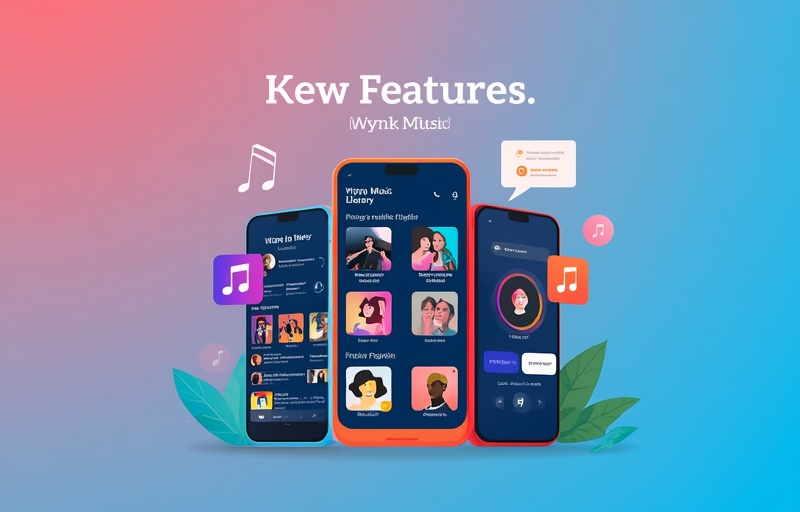
Wynk Music includes many features that make it one of the top music-streaming services
1. Huge Music Library
Access millions of songs in:
- Bollywood
- English
- Punjabi
- Tamil
- Telugu
- Bhojpuri
- Regional and indie music
2. HD-Quality Sound
Enjoy crystal-clear 320kbps audio for a better listening experience.
3. Podcasts & Radio
Thousands of podcasts and Wynk Radio channels for nonstop entertainment.
4. Personalized Playlists
Wynk automatically creates playlists based on:
- Your listening history
- Favorite artists
- Mood and activity
5. Offline Downloads
Download unlimited songs and listen offline without an internet connection.
6. Ads-Free Experience (With Subscription)
Paid users get:
- No ads
- Unlimited downloads
- High-quality audio
7. Smart Search
Find songs quickly by:
- Lyrics
- Artist name
- Genre
- Album
8. Multi-Device Support
Use the app across multiple devices including phone, tablet, and desktop.
Why Wynk Music Is Better Than Other Platforms
Here’s why many users prefer Wynk over other music apps:
- Faster loading and buffering
- Lower subscription cost
- More Indian + regional content
- Simple and easy-to-use interface
- High-quality sound on all devices
- Good for slow internet connections
How to Use Wynk Music App (Step-by-Step Guide)
Step 1 — Download the App
Go to Google Play Store or Apple App Store and download “Wynk Music”.
Step 2 — Sign In
You can use: Mobile number Email Google account
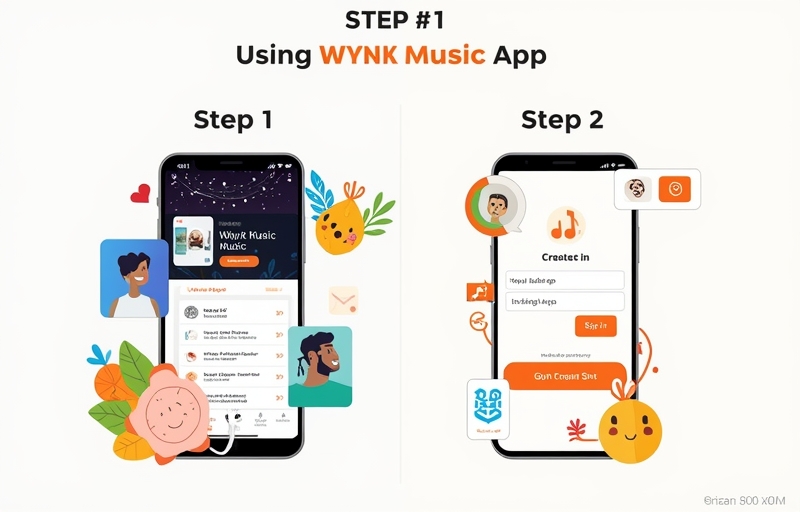
Step 3 — Select Your Music Preferences
Choose your favorite genres and artists.
Step 4 — Explore Home Screen
You’ll see:
- Trending songs
- Recommended playlists
- New releases
- Mood playlists
Step 5 — Play or Download Music
Click on any track to play.
For offline listening → Tap Download.
Wynk Music Subscription Plans
Wynk Music offers affordable plans including:
- Monthly plan
- Yearly plan
- Student offers
- Special partner discounts
Premium benefits:
- Unlimited downloads
- Ad-free streaming
- High-quality audio
- Unlimited skips
Latest Updates in Wynk Music App
Recent changes include:
- Improved AI-based song recommendations
- Faster app performance
- Better offline download system
- New radio channels
- Updated user interface (clean & modern)
These updates help users enjoy smoother and smarter music streaming.
Best Tips to Get the Most Out of Wynk Music
- Follow your favorite artists to get instant updates
- Use Wynk Radio for nonstop music
- Create custom playlists
- Download songs on WiFi to save data
- Use headphones for HD-quality experience
Conclusion
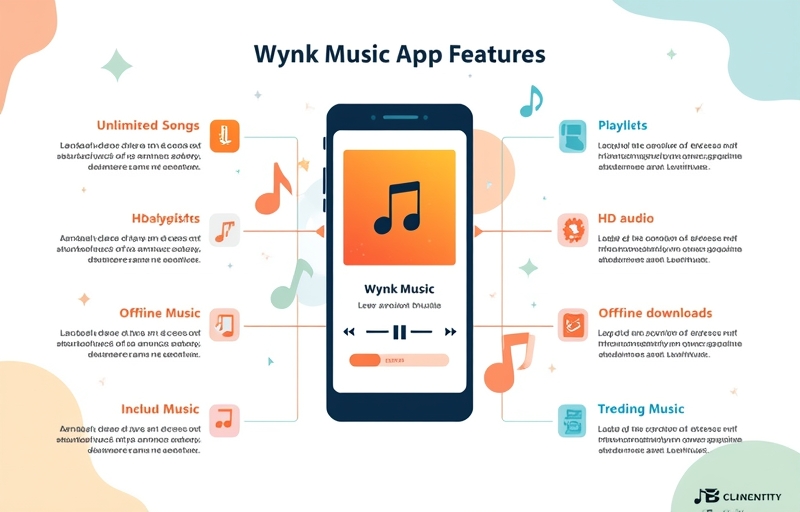
Wynk Music is an excellent choice for anyone who loves music. With millions of songs, high-quality audio, personalized recommendations, and offline downloads, it provides a complete music experience for all listeners.
This guide covers everything you need to know — from features to usage, updates, and tips.
FAQs About Wynk Music
1. Is Wynk Music free?
Yes, Wynk Music is free to use with ads. Premium features require a subscription.
2. Can I download songs offline?
Yes, Wynk Premium users can download unlimited songs.
3. Does Wynk Music work without an internet connection?
Yes, offline downloads allow listening without internet.
4. What devices support Wynk Music?
Android, iOS, tablets, and desktop browser.
5. Is Wynk Music good for regional songs?
Yes, it offers a huge collection of Punjabi, Tamil, Telugu, Bhojpuri, Bengali, Marathi, and more.
6. How much does Wynk Premium cost?
Pricing varies by region; monthly and yearly plans are available.
7. Is the audio quality HD?
Yes, Wynk offers 320kbps high-quality sound.
8. Does Wynk Music have podcasts?
Yes, thousands of podcasts are available on different topics.
9. Can I use Wynk Music on multiple devices?
Yes, you can sign in on multiple devices.
10. Does Wynk Music support lyrics?
Yes, many songs include on-screen lyrics.